
Tell me what's in your kitchen and I'll match recipes you can cook today.
Your pantry and fridge,
finally figured out.
shElf is a pantry app with a memory: it knows what's in your fridge, freezer and cupboards, what's about to expire, and what you can cook from it tonight. Voice-first, vision-aware.
Add anything, your way.
About a minute to start — the first screen proposes a shelf from your region and how people generally shop, quantities included, so you get real suggestions before typing anything. After that, pick whichever way is fastest for what you're doing right now.
- 🎤 Just say it"I bought 2 tomatoes and a head of basil." Done. We handle units and quantities.
- 🏷️ Scan a barcodePoint, click, done. Works on 1.4M+ products.
- 🧾 Scan the receiptOne photo of the till slip and the whole shop lands in your kitchen.
- 🔍 Search millions of productsType a few letters and pick it off the shelf. Something missing? Add it once and it's there for everyone else who looks.
Point the camera at all of it.
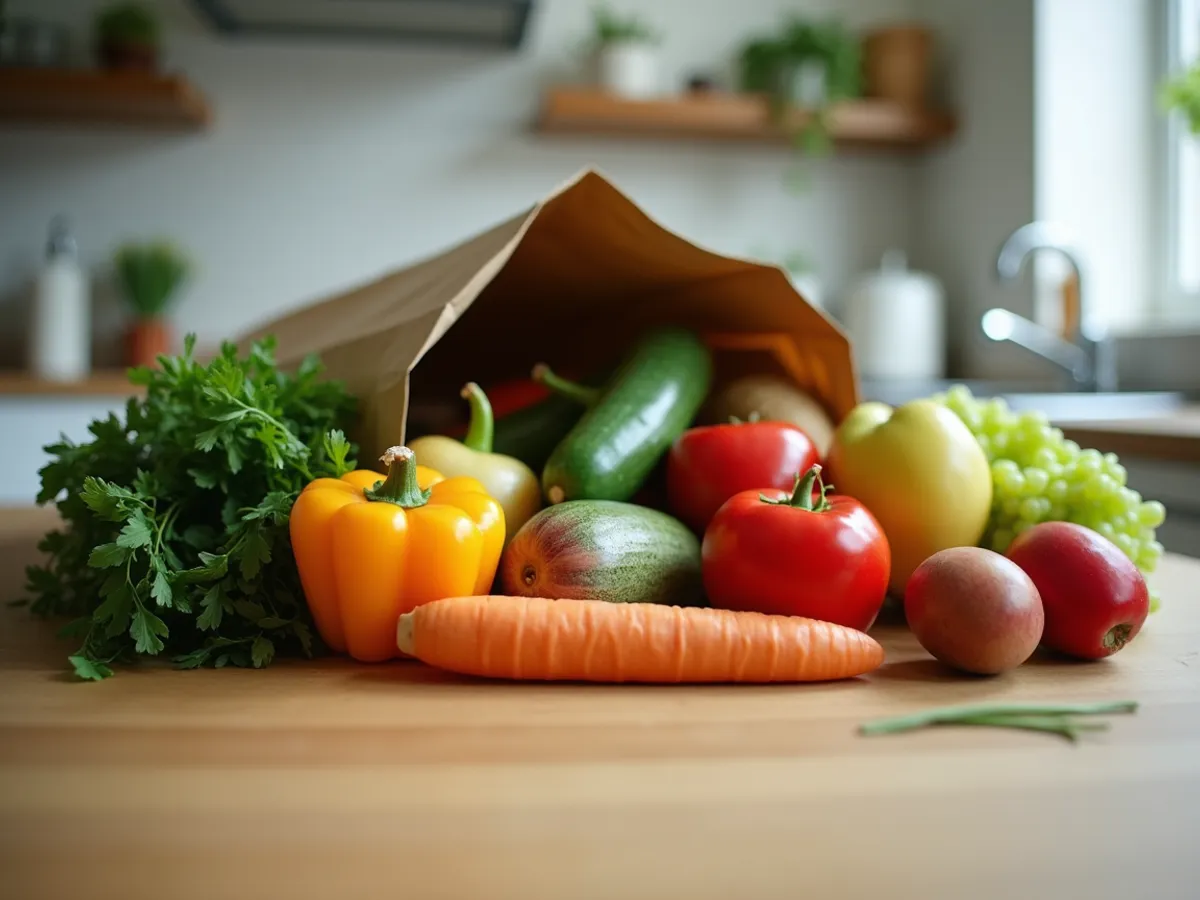
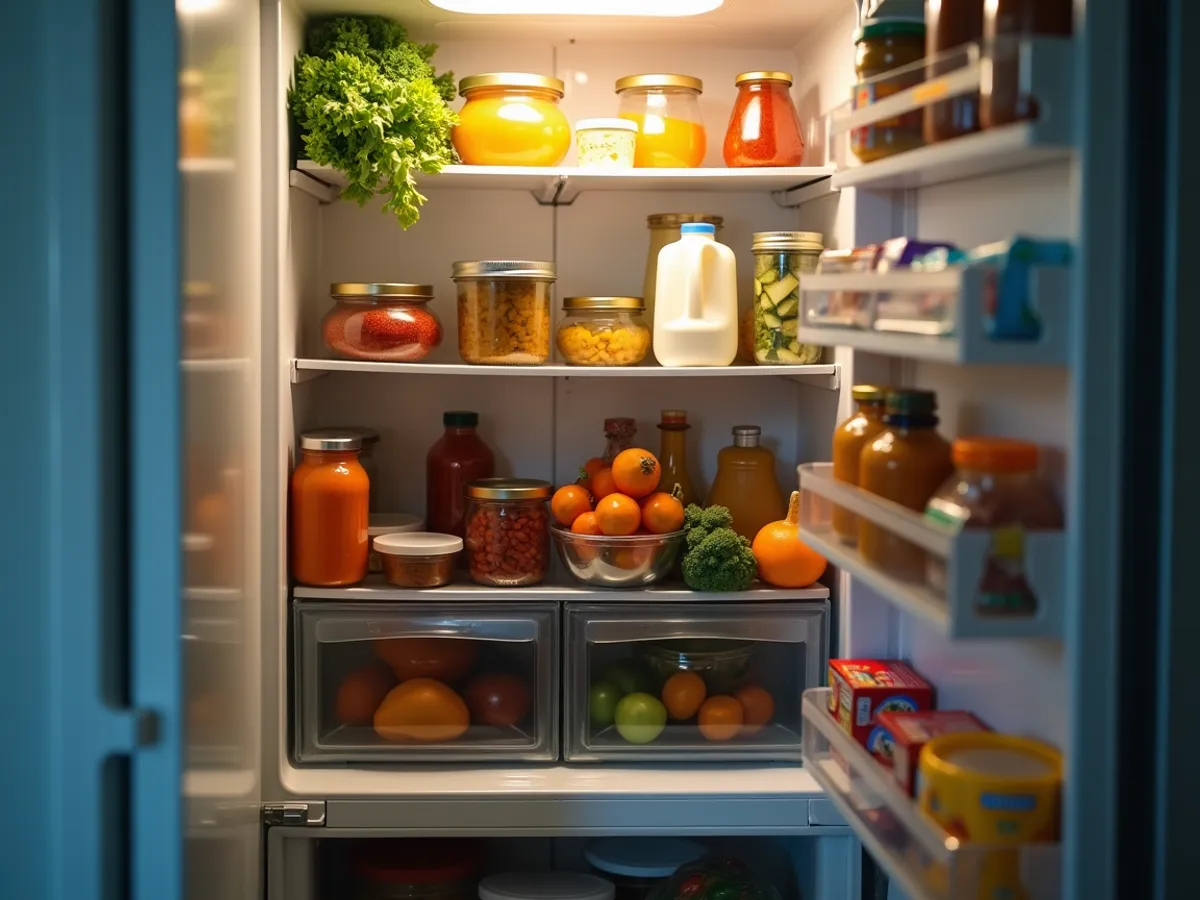
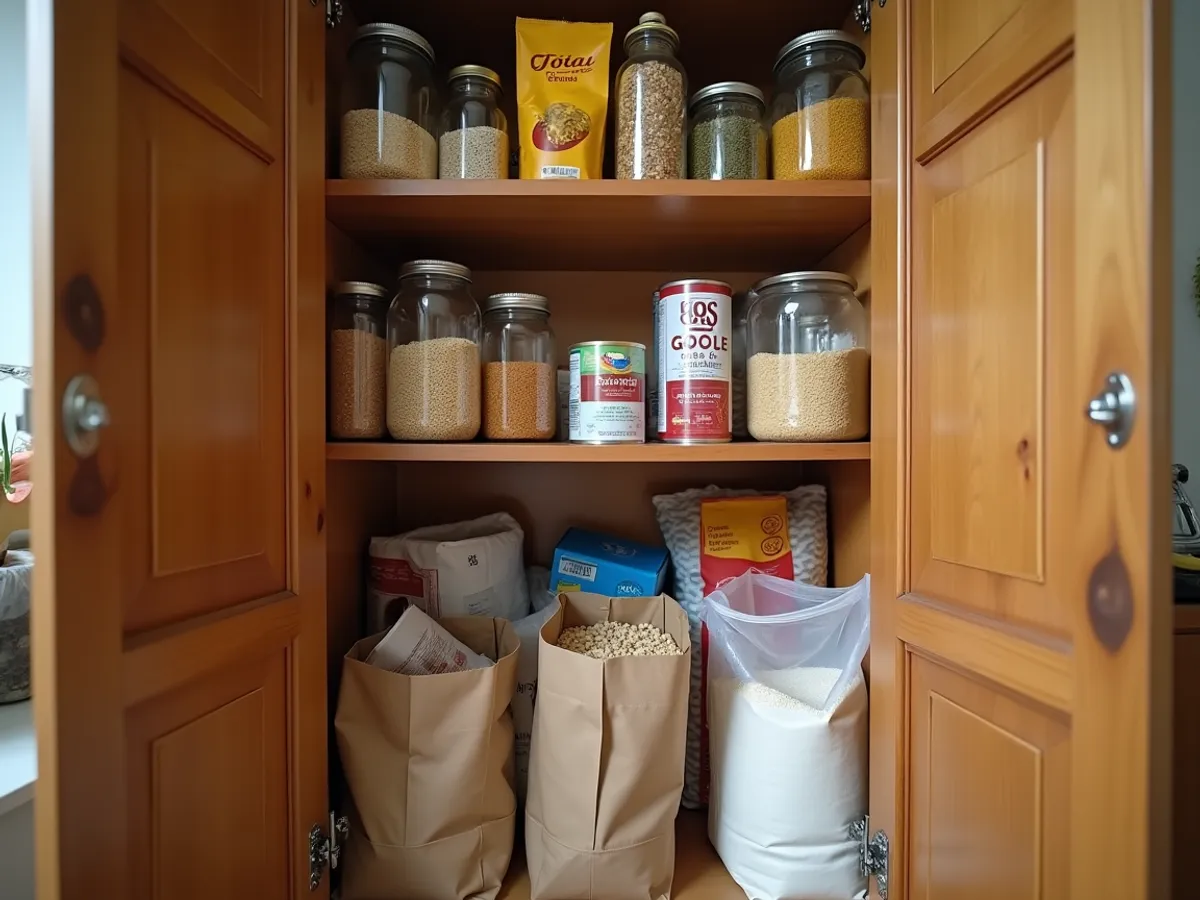
Not one item at a time. Photograph the whole counter, the open fridge, an entire shelf — the vision model reads the scene and hands you a list to confirm. On loose food it gets about nine in ten right; packaged goods need the label roughly facing you, because a tin photographed edge-on is a tin nothing can name.
Hands dirty?
Just talk.
Flour on your fingers. Phone across the counter. shElf is built to be controlled by voice — and it understands kitchen-talk. Units, brands, leftovers, swaps, "the cheese in the back."
No "Hey Siri." No wake word. Tap once, talk, get on with cooking.
Never open the fridge
just to check.

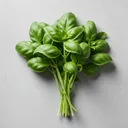
Your entire kitchen lives in your phone. What you have. Where it is. When it expires. Quietly nudging you about the basil before it goes.
Real engineering.
Not vibes.
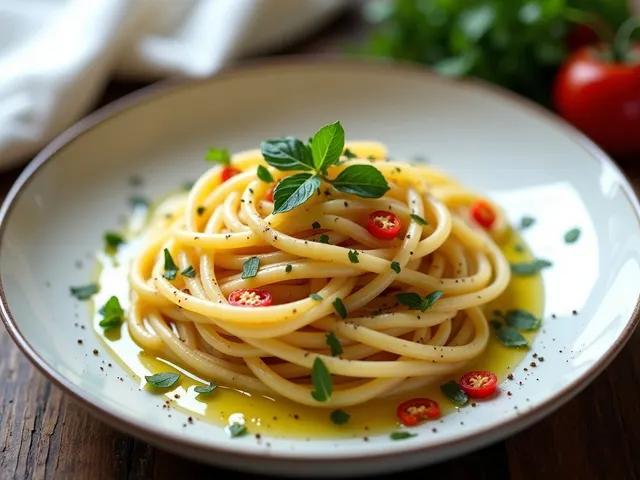 Cookable
  5 / 6 ingredients
 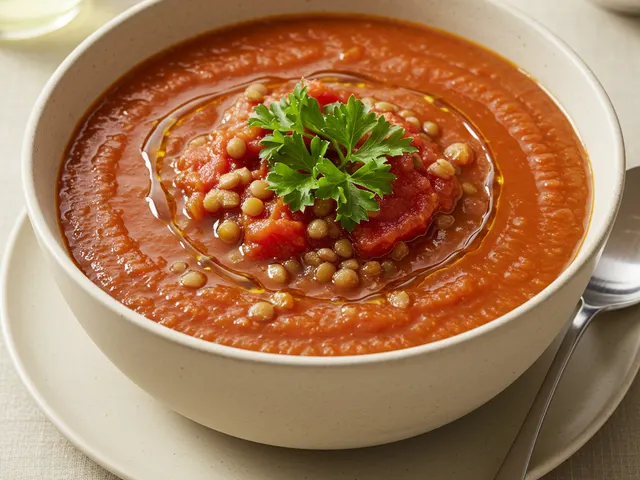 11 / 13 ingredients
 Most recipe apps show you everything and call it a feature. shElf does the opposite — it filters, scores, and ranks against four signals: what you have, what's expiring, what fits the time you've got.
Built for hands that are busy.
Meanwhile, slice garlic very thin. Add to cold olive oil in a wide pan. Heat over medium-low — you want the garlic to bloom slowly, turning light gold, not brown. This takes about 5 minutes. Add sliced chili in the last minute.
A recipe page is a document. Cooking is a sequence. shElf shows one step at a time, large enough to read from across the counter — and only the ingredients that step needs.
- → One step, one screenNo scrolling back through a wall of text to find where you were.
- → Timers where the timing isSteps that need a clock start one. No separate app, no forgetting.
- → Your shelf updates itselfFinish cooking and what you used is gone from the inventory. Nothing to tidy up afterwards.
The things nobody ever told you.
Most cooking advice is recipes, and recipes teach you one dinner. The handful of fundamentals underneath them change every dinner you'll ever make — and nobody sits you down and explains them. So shElf does, in lessons short enough to read while something simmers.
If you cook by following instructions and quietly hope, this is the part that turns that into knowing why.
A grocery list that knows your kitchen.





Auto-built from the recipes you actually plan to cook. Cross-referenced with what you already have. Updated by voice. Synced across every device.
Every supermarket has its own geography, and a list sorted by someone else's idea of "aisle order" means walking the shop twice. So drag the sections into the order you actually walk them and save it as that store's route — one route per shop, and the active one reorders every list you open. No more scrolling up and down the list between the dairy fridge and the far end of the store.
One kitchen, everyone in it.
A shelf belongs to a household, not to a phone. Invite whoever you live with and you're all looking at the same kitchen — in real time, wherever each of you happens to be.
- → Nobody has to askOne of you finishes the milk and everyone's shelf knows. No text message, no guessing in the shop.
- → One list, many handsWhoever passes the shop picks things off it. Items tick away live, so nobody comes home with a second bag of onions.
- → Plan the week togetherMeal prep for the household, not for one person. Put dinners on the week and the shopping list assembles itself around what the household already has.
- → Flatmates, not only familiesShared shelves and personal ones side by side — the food everyone dips into, and the food that's yours.
The things people actually ask.
What does shElf actually do?
shElf keeps track of the food in your fridge, freezer and cupboards, and tells you what to cook from it before anything goes off. It records what you have, where it is and when it expires, then ranks recipes against four things: what you actually own, what's closest to going bad, what you've already eaten this week, and how long you've got tonight.
Is shElf a recipe app or a fridge inventory app?
It's an inventory app first, and the recipes come out of the inventory. A recipe app shows you every dish and leaves the shopping to you; shElf starts from the food already in your kitchen and only suggests what you can cook right now. Ask for a specific dish and it will tell you what's missing, but the default direction is from your shelf outwards.
How is this different from a pantry inventory spreadsheet?
A spreadsheet records what you have; shElf keeps that record current and then does something with it. Both give you a list. The difference is everything around the list: the app fills itself in from a photo or a receipt instead of by typing, estimates expiry dates you'd otherwise look up, warns you before something turns, and syncs to everyone in the house. If a spreadsheet is already working for you, keep it — we give away a free pantry inventory template that's better built than most, and it isn't a trial of anything.
How do I add food to the app?
Three ways in, and the camera covers three of its own. Tap Camera and choose the mode: one to three photos of the whole shelf, a till receipt, or a barcode. Or use voice — "add milk to my fridge", "I used half the basil" — in your own words, with no wake word, which is the one that works mid-recipe with floury hands. Or type a name and take it from the catalogue, creating a custom item if it isn't there. The camera is the one that changes the maths: a whole shop goes in as a few photos instead of twenty entries. You're not starting from an empty shelf either — the first screen proposes a starter one for your region, so real suggestions appear about a minute in, before you've typed a word.
Do I have to enter expiry dates by hand?
No — shElf proposes a date when you add something, and you only correct it when you disagree. Where that date comes from depends on the item: anything with a barcode is matched against product databases covering millions of entries, anything without one falls back to USDA food data, and where those disagree or neither is clear a model arbitrates. Its answer then passes an automated check against our own rules before you see it, and the team reviews those outputs on an ongoing basis.
What happens if the photo scan gets something wrong?
You confirm the list before anything is saved, so a misread never lands in your inventory quietly. On loose, unpackaged food — produce, bread, anything without a wrapper — about nine items in ten come back correct. Packaged goods are harder, and for a specific reason worth knowing: the model reads the label, so a tin photographed edge-on is a tin it can't name. Turn the labels roughly towards the camera and the difference is large.
Can everyone in the house share one kitchen?
Yes — a shelf belongs to a household, not to a phone. Invite whoever you live with and you all see the same inventory and the same shopping list, updating live: one of you finishes the milk and everyone's shelf knows. A household is whoever actually shares the kitchen — a couple, a family, flatmates, siblings — and shared shelves sit alongside personal ones, so not everything has to be everyone's.
What if I stop keeping it up to date?
It keeps working and it suggests worse, and we'd rather say that plainly: shElf is at its best when the shelf reflects the actual kitchen, and that is the real cost of using it. So the honest answer isn't "it doesn't matter" — it's that we've spent most of our effort making the updating cheap. A whole shop goes in as one photo or one receipt, voice handles the small corrections, and when a shelf has drifted there are passive and active nudges to bring it back without a monotonous re-entry session. One storage place kept true beats the whole kitchen kept vaguely.
Which platforms is shElf on?
iOS and Android. It hasn't launched yet — join the waitlist and we'll email you once, when it's available. That's the only launch email you'll get from us.
Is shElf free?
We haven't announced pricing yet, so the honest answer is that we don't know what to promise you. When we do decide, waitlist members hear first, and nothing will start charging without you choosing it.
What happens to my data?
We collect what the app needs to work — your email, the food you add, the recipes you save — plus usage and crash data to fix what's broken. Photos you scan and voice you record are deleted the moment they've been read. We don't sell any of it and we don't share it with advertisers, and you can permanently delete your account, and everything in it, from inside the app. The privacy policy spells out each category rather than summarising it.
Something we didn't cover? Read the privacy policy or get in touch .
Get in early.
First 1,000 signups get a year of Pro free — and a founding-member badge on your profile. We'll email when the app drops. That's it.
No spam. We'll send one email when we launch.
We'll email you the moment shElf drops. That's it.